
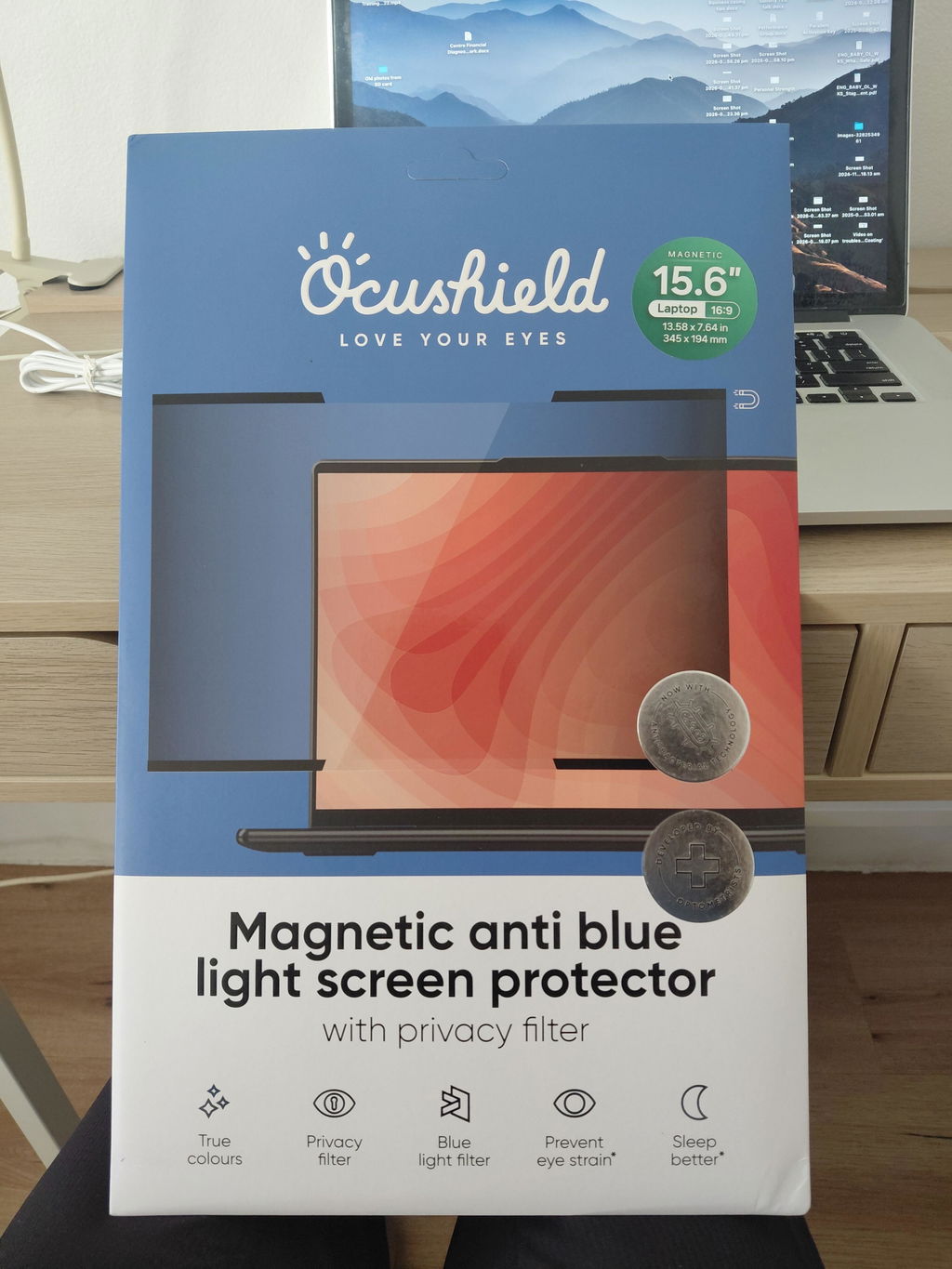
Ocushield Blue Light Screen Protector | Laptop and Monitor

$71.95
$71.95
Recommended by Dr Dee, optometrist, 25+ years experience

Free shipping on orders over $75

Delivered within 3 to 8 working days

✅ Anti glare coating for bright offices

✅ Filters part of the blue light spectrum

✅ Privacy option blocks side-on viewing

✅ Ultra thin, keeps screen clarity

✅ Magnetic or adhesive fit, depending on device

Screen comfort isn't only about blue light. Glare from windows and overhead lights, high brightness and reflections all add up over a working day. This Ocushield filter, carefully chosen by Eyehouse, cuts down glare and filters part of the blue light from your laptop or monitor. It sits flat and thin over the screen, so the picture stays clear.

Designed and developed by optometrists in the UK. Ocushield says its privacy filters are used by teams at McKinsey, Barclays, Puma and the NHS in the UK. In Australia, Eyehouse is the distributor for Ocushield, and supplies Ocushield screen protectors to a wide mix of customers, from school principals and office teams to IT professionals, golfers, hypnotherapists and employees at S&P/ASX 100 companies. Pairs well with the Ocushield iPhone screen protector for evening scrolling.

Who It Is For: anyone working full days on a laptop or monitor, especially near windows or under bright office lights.

Eyehouse Tip: set your screen side-on to windows, rather than facing them or with your back to them, to cut glare further.

Want to understand why screens are harder on your eyes than a book? Read our guide to digital eye strain and the four hidden reasons screens tire your eyes.

VDU laptop screen 2

Ocushield Blue Light Screen Protector | Laptop and Monitor

$71.95

Ocushield Blue Light Screen Protector | Laptop and Monitor

$71.95
Screen Size: 11.6" (16:9) - MAGNETIC
    Man in 40's wearing a suit with glasses rubbing eyes when using laptop on a desk. Tired. Eyestrain

    Why Laptop Screens Cause Digital Eye Strain

    Eight hours at a screen. Glare from the window. Overhead lights reflecting back at you. Your eyes work to resolve an image through all of it, and the harder they work, the more tired they feel. Most people blame lunch or lack of sleep for the afternoon slump. Often it is the screen.

    Tablet and e-reader side by side comparing screen brightness and blue light output

    A Blue Light Filter Alone Is Not Enough

    The Cochrane review found no significant link between blue light alone and digital eye strain. That surprises colleagues in my circle and many patients. But patients are definitely getting eye strain from screens, so the cause has to be broader. Glare. Brightness. Visual noise, and Blue light scatter are hidden culprits. This laptop screen filter handles all four. No screen setting can do that.

    Diagram showing monitor angle relative to window glare and reflection on screen

    How an Anti Glare Monitor Filter Works

    Think of watching TV in a bright room. A dark scene is almost impossible to follow. Close the blinds, turn the lights off, and suddenly you can see everything. That is visual noise, and it happens on your screen every day when reflections compete with your content. The filter cuts the reflection so your eyes stop working overtime.

    Ocushield privacy screen filter narrowing the viewing angle on a laptop

    Privacy Screen Protection for Laptops and Monitors
    Criminals need only three or four data points to attempt identity theft. A name, an email, an address. An open laptop on a train or in a cafe gives them all three. This privacy filter narrows the viewing angle so only the person sitting in front of the screen sees what is on it.

    Ocushield laptop and monitor screen protector, your questions answered

    Q1. IS A BLUE LIGHT SCREEN FILTER BETTER THAN NIGHT MODE ON MY LAPTOP?

    Night mode dims across a broad range of wavelengths. You get a general reduction and a noticeable tint, but it is a blunt instrument and it doesn't target what is actually causing the strain.

    Here is what I see in practice: eye strain from screens is not blue light on its own. The Cochrane review found no significant correlation there. However it fails to acknowledge the all four things happening together, specular glare, increased luminance, visual noise, and blue light scatter. The Ocushield laptop filter is a four in one. It addresses all four at the source, and no screen setting can do that.

    Yes, and here is why glare matters more than people realise. Think about watching a dark scene on TV in a bright room. You can barely make out what is happening - there are too many reflections to deal with.

    Now close the blinds, turn the lights off, watch the same scene. Completely different.

    That is visual noise, and it is exactly what happens on your screen when reflections compete with your content.

    Your brain and eyes work harder to resolve the image, and the harder they work, the more tired they feel.

    The Ocushield filter reduces specular glare and luminance at the same time, which is where the comfort comes from.

    No.

    This is the concern most people raise, and it usually comes from experience with software night modes or cheap tinted films.

    The Ocushield laptop and monitor range is designed for people working long days on screens, so colour accuracy matters. You get a slight reduction in overall brightness rather than a colour shift.

    Most people stop noticing it within a day. What they do notice is how their eyes feel by 4pm.

    Step 1. Find your device model. Look for a sticker on the bottom of your device. It may look similar to this: LG27Mr400-B

    Step 2.Enter your device model number in to ChatGPT, Gemini, or Google Search: and request its screen size and dimensions.

    Here's an example of what to enter in to their search bar (please copy the text in bold, below)

    "what is the screen size and ratio for my [enter your device name here]"eg) LG27Mr400-B"

    Step 3.Your result should show like this:

    Your LG 27MR400-B monitor has:
    A screen size (diagonal) of 27 inches (~68.6 cm)
    Native resolution of 1920 × 1080 (Full HD)
    Aspect ratio of 16:9.

    Step 4:From this example, you would order the27inch 16:9 Privacy Screen protectorin the drop down menu.

    If you are unsure, we are able to support. Email info@eyehouse.com

    Screen Coverage: Mostly Edge-to-edge fit


    Aspect Ratio: Designed to fit the Devices display

    It depends on your device.

    MacBook filters have a magnetic strip across the top and a light adhesive strip at the bottom.

    Laptop filters come with small magnetic strips you fix to the top of the screen, and the filter has a magnetic plate that connects to them, with adhesive tabs holding the bottom.

    Desktop monitors use thin transparent adhesive strips along the edges. All of them sit flat against the screen and all of them can be removed.

    My advice once it is on is to leave it on. That is where the benefit is.

    For both day and night the screen protector, nine times out of ten. It handles all four factors, glare, luminance, visual noise and blue light scatter. Glasses only address the blue light component.

    Where glasses come into their own is the evening, because they also block blue light from the LED lighting in your house, not just your screen. Different jobs. If you are choosing one for work hours, I'd choose the filter.

    I've also noticed from customers: in the evenings, a screen filter paired with Ocushield's yellow tinted glasses has had raving reviews.

    I was sceptical of Ocushield myself before I tried it.

    I bought stock and gave it to health professionals, teachers, golf professionals and marketing people, then tracked the feedback with questionnaires and Whoop band data.

    The results are what convinced me. Cheap films typically add a tint and block some blue light. They do not address glare, luminance or visual noise, which is most of the problem.

    Ocushield is FDA registered and developed by optometrists.

    You are paying for the four in one, not just the filter.